Email to SMS.

The simplest way to send business SMS, straight from your inbox

With nothing to install, no set-up costs or monthly fee, simply use your existing email client to send and receive SMS messages. Our email to SMS service converts your emails into instant text messages, and with an optional reply number, receive customer replies straight back into your inbox.

Image coming soon

No code required Free setup Pay as you go UK support

Why Email to SMS

All the benefits of SMS, from software you already use.

Email to SMS removes every barrier between your business and SMS messaging. No new tools, no technical setup, no contracts. Just the email client you already know.

No software or training

If you already use email, you have access to email to SMS. No software to install, no training required. Send texts the same way you send emails.

Completely code-free

No API integration or development needed. Everything connects to your existing email client and IT infrastructure.

Zero upfront costs

No setup fees or configuration costs. Only pay for SMS credits and, if applicable, a monthly reply number rental.

Pay as you go

No contracts, no commitment. Credits don't expire while your account is active. Top up when you need to.

Two-way messaging

Rent a reply number and receive customer SMS replies converted back into emails in your inbox (SMS to email).

Auto-formatting

Email signatures are automatically stripped. Messages are limited to 918 characters to prevent excessive long-message charging.

How It Works

How email to SMS works.

From your favourite email client to your customer's phone, in seconds.

01

Compose your email

Address your email to the recipient's mobile number with country code, followed by @emailsms.co.uk (e.g. 447712123456@emailsms.co.uk). Leave the subject blank, write your message in the body, and click send.

02

We convert to SMS

Our system automatically strips your email signature, converts the body to SMS format, and submits via Direct route with your branded sender ID (up to 11 characters).

03

Customer receives text

The message is delivered within seconds. With an optional reply number, customer responses are converted back to email and delivered straight to your inbox.
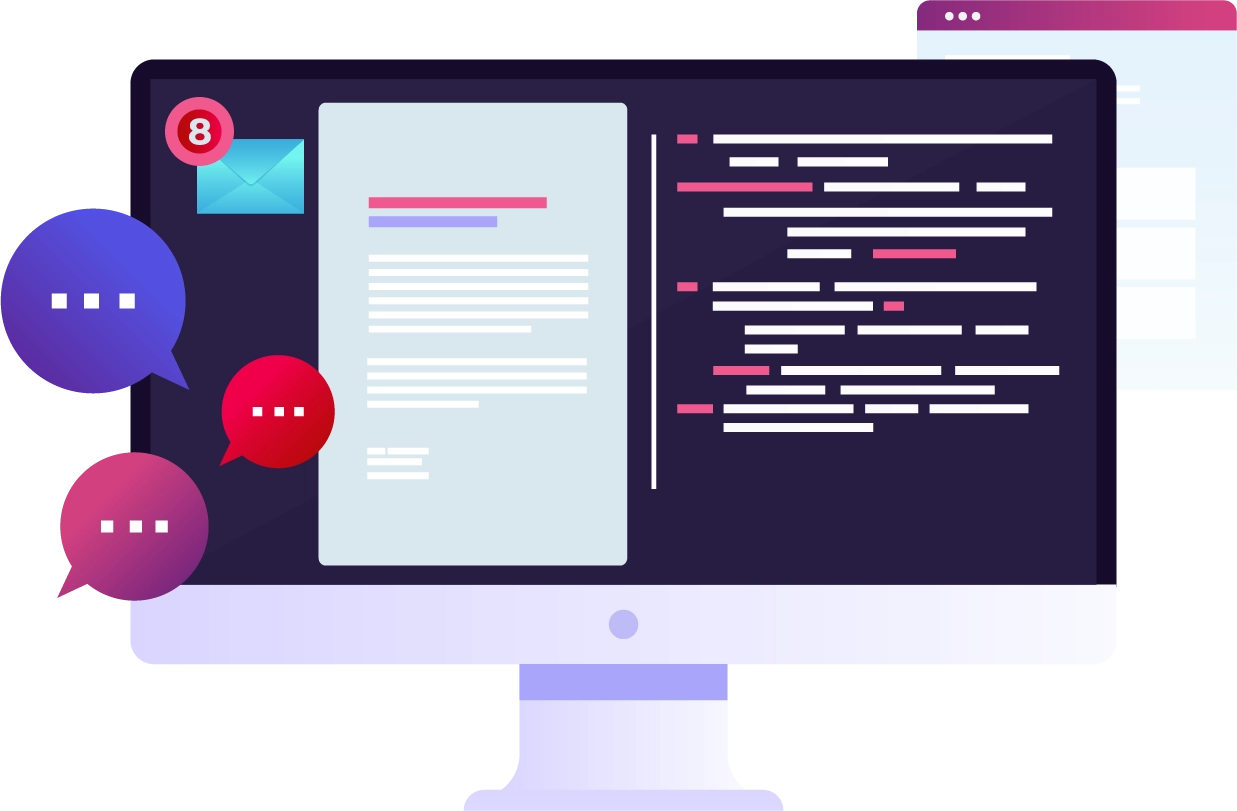
Email to SMS - send texts from your email client

Getting Started

Connect in 3 steps.

01

Sign up for free

Hit connect, fill in basic details, choose 'Email to SMS' as your account type. We'll start configuring your account.

02

We configure your account

We'll create your account, contact you to confirm your email client and the address to use, and set up reply numbers if needed.

03

Start sending

We'll verify your account, run basic tests with your free credits, and confirm your email to SMS solution is ready to go.

FAQS

Email to SMS FAQs.

Email to SMS is a service that converts a standard email into a text message. Instead of logging into a platform or integrating an API, you simply send an email to a specific address format and the message is delivered as an SMS to the recipient's mobile phone. It's the simplest way to send business texts using tools you already have.
SMS to email is the reverse process. When a customer replies to your text message, their SMS reply is converted into an email and delivered straight to your inbox. This is available when you rent a dedicated reply number, giving you full two-way communication without leaving your email client.
Yes. Once your Faretext email to SMS account is set up, you can send a text message to any mobile number by composing a standard email. Simply address it to the recipient's mobile number followed by our email domain (e.g. 447712123456@emailsms.co.uk), write your message in the body, and click send.
Getting started is easy. Sign up and choose 'Email to SMS' as your connection type. We'll configure your account, confirm the email address you'll be sending from, and set up any reply numbers if needed. There's nothing to install and it works with your existing email client.
Compose a new email in your usual email client (Outlook, Gmail, etc.). In the "To" field, enter the recipient's mobile number with country code, followed by @emailsms.co.uk (e.g. 447712123456@emailsms.co.uk). Leave the subject line blank, type your message in the body, and hit send. Our system handles the rest.
Yes. Email to SMS supports international messaging. Simply use the full international number format in the email address (e.g. 33612345678@emailsms.co.uk for France). Each country has its own delivery rules and pricing. Visit our pricing page for international rates.
Yes. To send the same message to multiple recipients, simply add multiple addresses in the "To" or "BCC" field of your email, each formatted as a mobile number @emailsms.co.uk. This makes it easy to send group notifications, reminders, or alerts without any additional software.
Email to SMS is the fastest way to start sending business texts without any technical setup. There's no software to install, no API to integrate, and no training required. It works with any email client, costs nothing to set up, and lets you send and receive SMS using a workflow you already know. It's ideal for businesses that need SMS but don't have development resources.
Yes. Our system automatically strips email signatures from your message before converting it to SMS. This means you don't need to manually remove your signature each time as the system handles it for you, ensuring only the relevant message content is sent as a text.
Messages sent via email to SMS are automatically limited to 918 characters (the equivalent of 6 concatenated SMS parts). If your email body exceeds this limit, the message will be truncated to prevent excessive long-message charging. We recommend keeping messages concise for the best results.
Yes. Messages sent through our email to SMS service are delivered via direct network routes, the same infrastructure used by our SMS API. This means your texts reach recipients on any UK mobile network, and international networks too, where supported.
Yes. Your email to SMS account is configured to only accept emails from your authorised email address. Messages are transmitted securely through our SMSC infrastructure. Sensitive account details like passwords and API keys are only shared during initial setup and cannot be retrieved afterwards.
Our system only processes emails from pre-authorised sender addresses linked to your account. Emails from unrecognised addresses are rejected automatically. Combined with our anti-fraud monitoring, this ensures that spam or unauthorised messages are never converted into SMS.

Ready to send SMS from email?

No software, no coding, no setup costs. Send business texts straight from your inbox.

25 free credits to test. No contract. UK-based support.

We value your privacy

We use cookies to enhance your browsing experience, analyse site traffic, and serve personalised content. You can choose which categories of cookies you allow below. cookies | privacy | terms | anti-spam